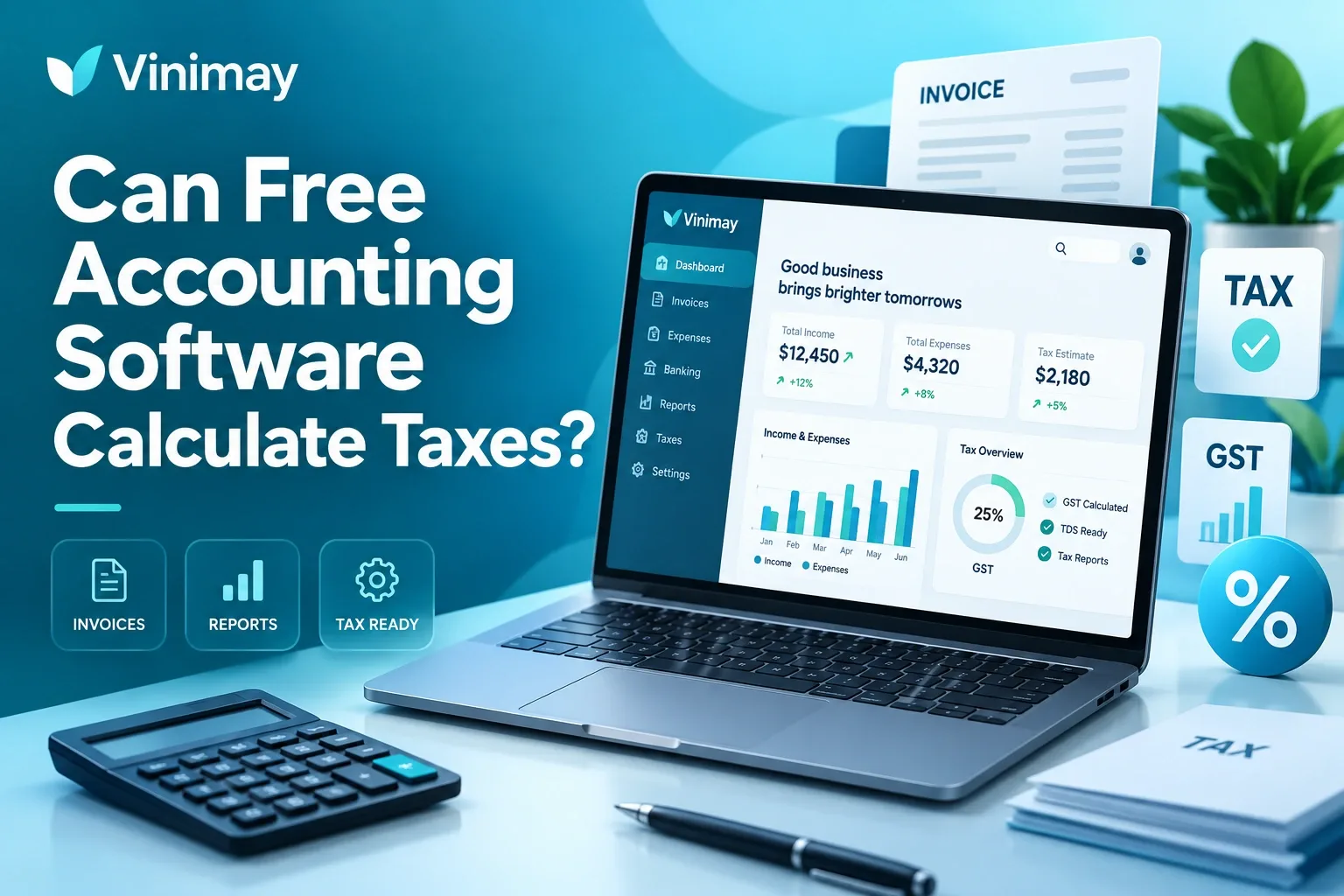
Businesses operating in countries where VAT applies need accurate tax records as part of their daily invoicing and accounting process. When choosing accounting software, many small businesses look for free options and want to know whether they can manage VAT calculations and invoices without paying for a subscription.
The answer depends on the software, the country-specific VAT requirements, and the features included in the free plan. Some free accounting tools may support basic tax calculations, while others may not provide the reporting, customisation, or compliance-related features required by growing businesses.
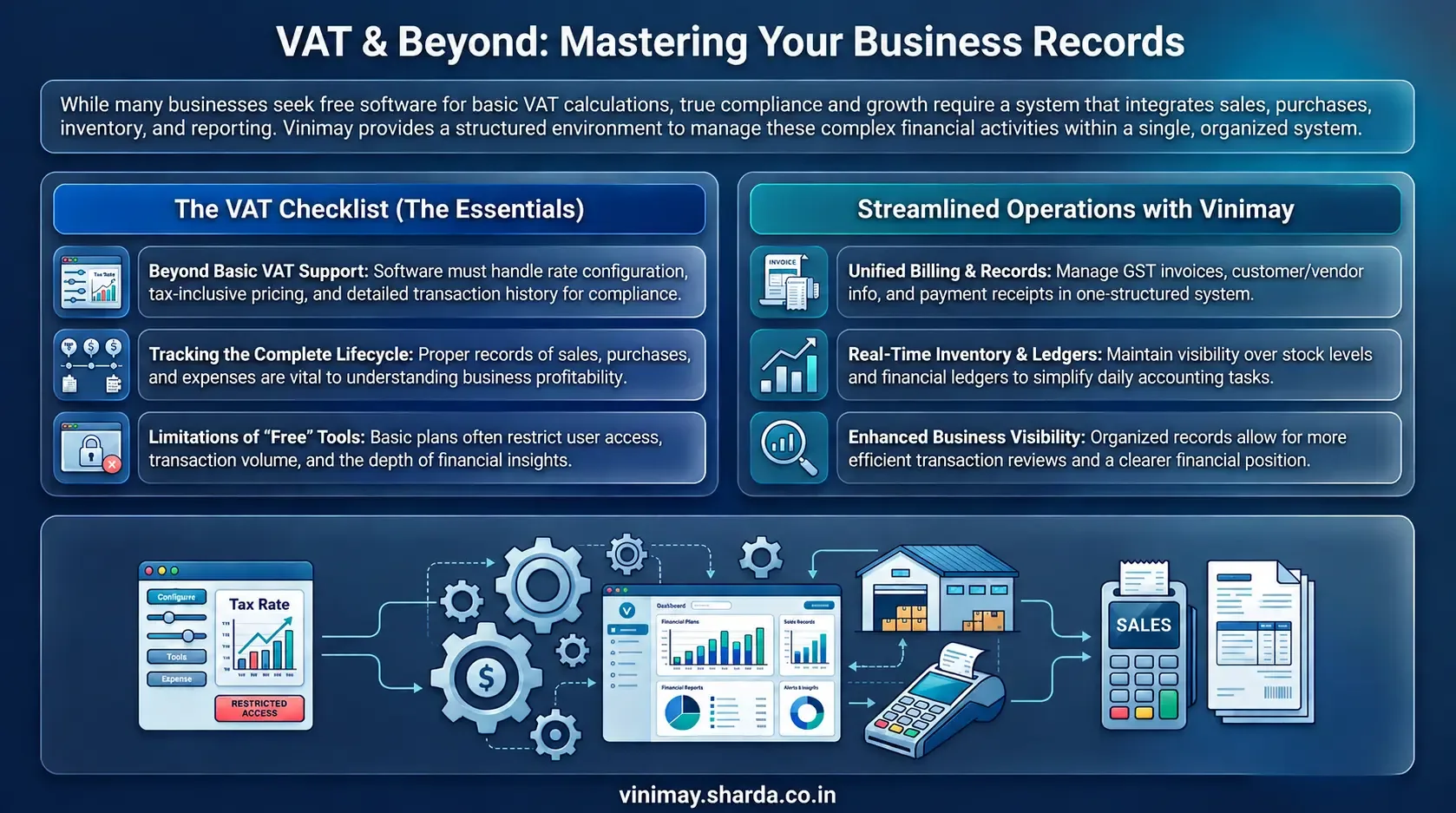
Vinimay helps businesses manage GST invoices, billing records, sales, purchases, customer and vendor information, inventory, payments, ledgers, and reports in a structured system. By keeping transaction records organised, businesses can maintain better visibility over their accounting activities and manage their billing processes more efficiently.
What Does VAT Support Mean in Accounting Software?
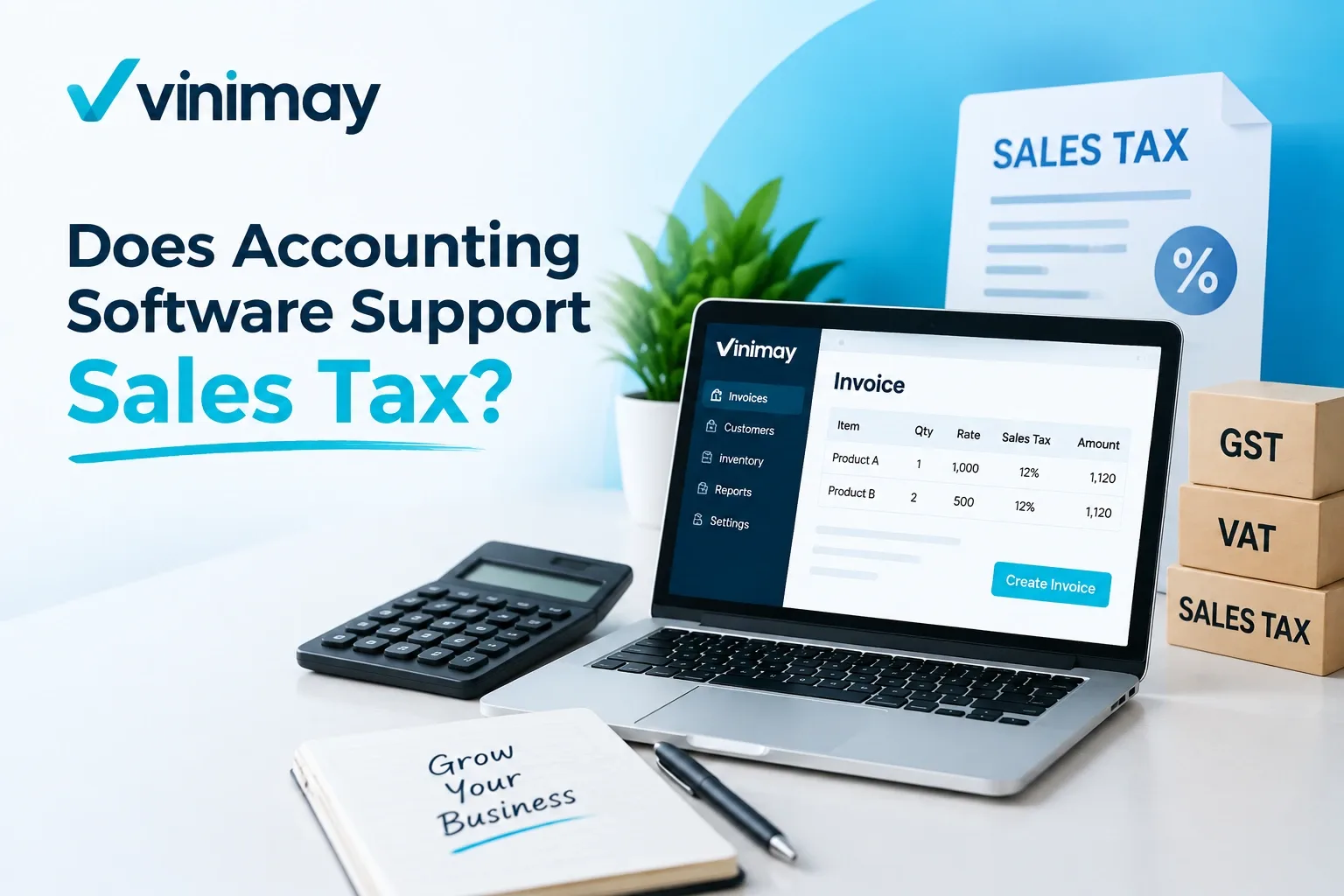
VAT support means that accounting software can help businesses record transactions where value-added tax applies. Depending on the software and region, this may include applying VAT rates, displaying tax details on invoices, and maintaining tax-related transaction records.
For example, a VAT-enabled invoice may need information such as:
The exact requirements depend on the VAT rules applicable in the business location.
Can Free Accounting Software Calculate VAT?
Some free accounting software may provide basic VAT calculation features, but businesses should carefully review what is included in the free version.
A free plan may support simple invoicing with tax fields, while more advanced requirements may require additional features.
Before selecting software, businesses should check whether it supports:
VAT rate configuration
Tax-inclusive or tax-exclusive pricing
VAT invoice details
Required transaction reports
The availability of these features depends on the software provider and the plan selected.
Why Do Businesses Need More Than VAT Calculation?
Tax calculation is only one part: Adding the correct VAT percentage to an invoice does not cover the complete accounting requirement.
Sales records matter: Businesses need to maintain accurate records of sales and customer transactions.
Purchase records are important: Proper purchase records help track supplier costs and input tax details.
Expenses need to be recorded: Maintaining expense information provides a clearer view of business spending and profitability.
Complete transaction history: Businesses need organised records of all financial transactions, not just tax calculations.
Accounting software should connect the data: A useful accounting system should help businesses manage sales, purchases, expenses, and tax information together.
What Are the Limitations of Free Accounting Software?
Free accounting software can be useful for businesses with basic requirements, but limitations may appear as business activities increase.
Common limitations may include:
A business should evaluate whether the free version can support current needs and future growth.
How Should Businesses Choose Accounting Software for VAT?
Tax calculation: Check whether the software supports the required VAT calculations and tax rates.
Invoice requirements: Ensure it can create invoices with the necessary VAT and business details.
Reporting capabilities: Look for reports that help track sales, purchases, expenses, and tax information.
Record management: The system should keep financial transactions organised and easy to review.
Business growth: Consider whether the software can handle increasing transactions, users, and accounting requirements.
Ease of daily use: The right accounting system should simplify routine accounting tasks while helping maintain accurate and organised financial records.
How Does Accounting Software Help Maintain Tax Records?
Accounting software helps businesses organise different areas of financial activity within a single system instead of maintaining separate records for invoices, purchases, payments, and expenses. This makes it easier to track sales, purchase transactions, business expenses, and customer and supplier records in one place. With properly organised records, businesses can review their transactions more efficiently and gain a clearer understanding of their overall financial position.
Managing Business Billing Records With Vinimay
Businesses need more than tax calculations to manage daily operations. They need proper records of invoices, customers, suppliers, payments, inventory, and financial transactions. Vinimay helps businesses manage GST invoices, billing records, sales records, purchase records, expense records, customer management, vendor management, inventory, stock tracking, payment tracking, receipt tracking, ledger management, and reports.
For example, businesses can maintain billing information along with related customer and transaction records instead of managing separate files. The practical benefit is better organisation of business information and easier management of daily accounting activities.
Organising Tax and Business Records With Vinimay
Managing billing and accounting information becomes easier when invoices, sales, purchases, inventory, payments, and reports are maintained in one structured system. Vinimay helps businesses organise daily transactions and maintain better visibility over their records.
Conclusion
Free accounting software may support basic VAT requirements, but businesses should carefully evaluate whether the available features match their tax and accounting needs. VAT management involves more than calculating tax; it also requires maintaining accurate invoices, purchase records, expenses, and transaction history. As businesses grow, they often need stronger reporting, better record management, and more structured accounting processes.
Frequently Asked Questions
1. Can free accounting software support VAT?
Some free accounting software may support basic VAT features, but businesses should check the available tax features before selecting a solution.
2. Does VAT support mean automatic tax compliance?
No. VAT support helps manage tax-related records, but businesses must still follow applicable tax rules and requirements.
3. Can free software generate VAT invoices?
It depends on the software features and whether VAT invoice formats are supported.
4. What should I check in VAT accounting software?
Businesses should check VAT calculation, invoice requirements, reports, and record management capabilities.
5. Is free accounting software enough for VAT-registered businesses?
It depends on business size, transaction volume, and reporting requirements.
6. Can accounting software track VAT-related transactions?
Many accounting systems can maintain tax-related transaction records depending on their features.
7. Why are accounting records important for VAT?
Proper records help businesses review transactions and maintain accurate financial information.
8. Can accounting software replace tax advice?
No. Software helps manage records, but businesses may need professional guidance for tax-related decisions.
Related Topics
Published by admin
Our editorial and compliance specialists create practical guides, tax calculation rules, and operational strategies to empower Indian small business owners and accountants.