Accounting & Finance5 min readPublished 22 September 2026Updated 24 September 2026
Can Free Accounting Software Calculate Taxes?
Discover whether free accounting software can accurately calculate your business taxes and GST. Learn features, limitations, and how to stay compliant.
A
admin
Financial Insights & Compliance Desk
Share:
Managing taxes is a crucial aspect of operating a business, especially for companies that frequently generate invoices. In an effort to cut expenses, many small businesses adopt free accounting software to handle their daily financial records.
Before committing, you might want to evaluate Free GST Invoicing plan options to see what features scale best with your operations.
Particularly for companies that frequently generate invoices and keep transaction records, managing taxes is a crucial aspect of operating a business. In an effort to cut expenses, a lot of small firms search for free accounting software. However, there is still a prevalent question: can free accounting software accurately calculate taxes? In an organised manner, Vinimay assists companies in managing GST invoices, billing records, sales, purchases, inventories, payments, ledgers, and reports. Businesses can handle their accounting and billing operations more effectively by keeping well-organised transaction records. Free Accounting Software.
Can Free Accounting Software Calculate Taxes?
How Does Tax Calculation Work in Accounting Software?
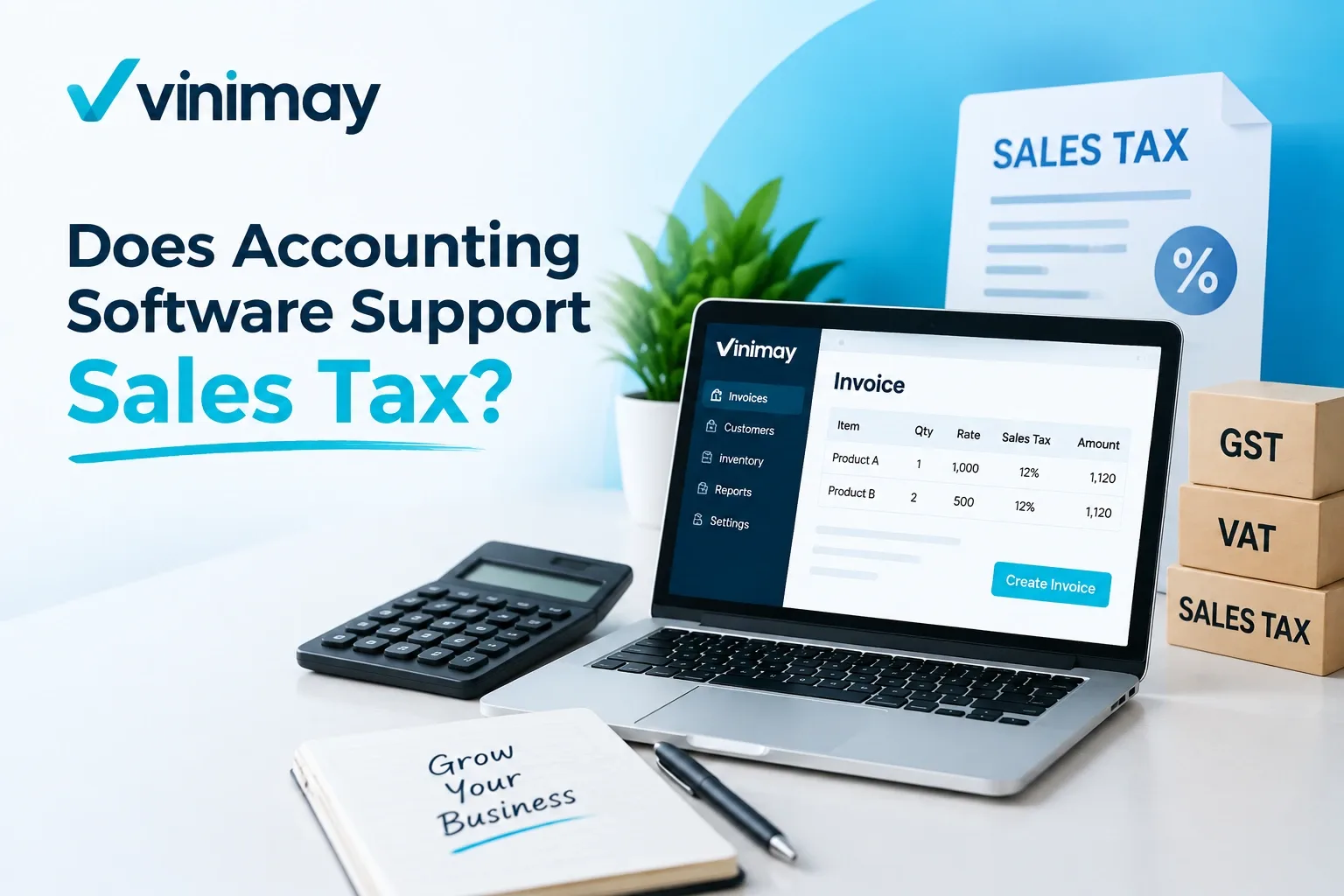
Accounting software helps businesses apply tax details while creating invoices and recording transactions. Instead of calculating taxes manually every time, software can use predefined tax information to make billing processes easier.
For example, while creating a GST invoice, businesses generally need to maintain details such as
Requirement
Purpose
Tax rate
Determines applicable tax amount
Product/service details
Helps apply correct billing information
Invoice value
Used for tax calculation
The accuracy of tax calculation depends on correct business inputs and proper configuration of the software.
Can Free Accounting Software Calculate GST?
Basic GST calculation: Many free accounting tools can calculate GST for standard invoices, but the available features vary by software.
GST invoicing: Check whether the software can create GST-compliant invoices with the required tax details.
Tax records: The software should allow businesses to maintain relevant GST and transaction information systematically.
GST reports: Check whether required tax and sales reports are available for regular review and compliance needs.
Transaction capacity: As the business grows, increasing transaction volumes may require more advanced accounting features.
Match software to business needs: Basic GST calculation may be sufficient for simple billing, while businesses with more complex operations may need broader accounting and reporting capabilities.
What Are the Limitations of Free Accounting Software?
Free accounting software can be useful for businesses starting their digital accounting journey, but it may come with certain limitations. Common limitations may include restricted access to advanced reports, user limits, invoice limits, or fewer business management features.
For example, a business may initially need only basic invoicing, but as operations grow, it may require better inventory tracking, detailed reports, supplier management, and broader transaction management. The important point is that businesses should evaluate software based on their current and future requirements, not only whether it is free.
Why Is Accurate Tax Calculation Important?
Incorrect tax calculations can create problems in billing records and affect business reporting.
A small mistake in tax details can lead to differences between invoice values, transaction records, and financial reports.
Businesses should ensure that:
Tax details are entered correctly
Product/service information is accurate
Invoice records are maintained properly
Accounting software can reduce manual calculation work, but businesses still need to verify their transaction details.
What Should Businesses Check Before Choosing Free Accounting Software?
Before selecting free accounting software, businesses should understand what tax-related and accounting features are included.
Area
What Businesses Should Check
Tax calculation
Whether applicable taxes can be managed
Billing
Invoice creation capabilities
Reports
Available business reports
Growth limits
Invoice, user, or feature restrictions
Choosing software based only on the word "free" may create problems later if business requirements increase.
How Does Accounting Software Help Beyond Tax Calculation?
Tax calculation is only one part of business accounting. Businesses also need to manage sales, purchases, payments, inventory, customers, suppliers, and reports. A complete accounting system helps connect these activities so businesses can maintain better visibility into their operations.
For example, purchase records can help understand expenses, while sales records help review revenue activity. Together, these records provide a clearer picture of business performance.
Conclusion
Free accounting software can help businesses manage basic billing and tax-related calculations, but businesses should understand the limitations before depending on it for long-term operations. The right solution depends on transaction volume, reporting needs, and the complexity of business activities. Tax calculation is only one part of accounting management. Maintaining organised records of sales, purchases, expenses, and transactions is equally important for better business control.
Frequently Asked Questions
1. Can free accounting software calculate GST?
Some free accounting software can support basic GST calculations, but available features depend on the software and plan limitations.
2. Is free accounting software enough for GST billing?
It depends on business requirements. Small businesses with simple billing needs may find basic features useful, while growing businesses may need more advanced capabilities.
3. Can free software automatically calculate tax amounts?
Tax calculation depends on the software features and correct tax information entered by the business.
4. Why is tax accuracy important in accounting software?
Accurate tax calculation helps businesses maintain correct invoices and reliable transaction records.
5. What should I check before choosing free accounting software?
Businesses should check billing features, tax support, reporting options, and limitations related to users or transactions.
6. Can accounting software replace a tax professional?
Accounting software helps manage records and calculations, but businesses may still need professional guidance for tax compliance decisions.
7. Does free accounting software support business growth?
It depends on the software limitations and whether the available features match future business requirements.
8. Is GST calculation the only important accounting feature?
No. Businesses also need proper management of sales, purchases, expenses, inventory, customers, suppliers, and reports.
Our editorial and compliance specialists create practical guides, tax calculation rules, and operational strategies to empower Indian small business owners and accountants.
Understand how accounting software supports sales tax calculation and tax records, and what businesses should check before choosing accounting software.